Best Free Online Notepads for Private, No-Sign-Up Writing
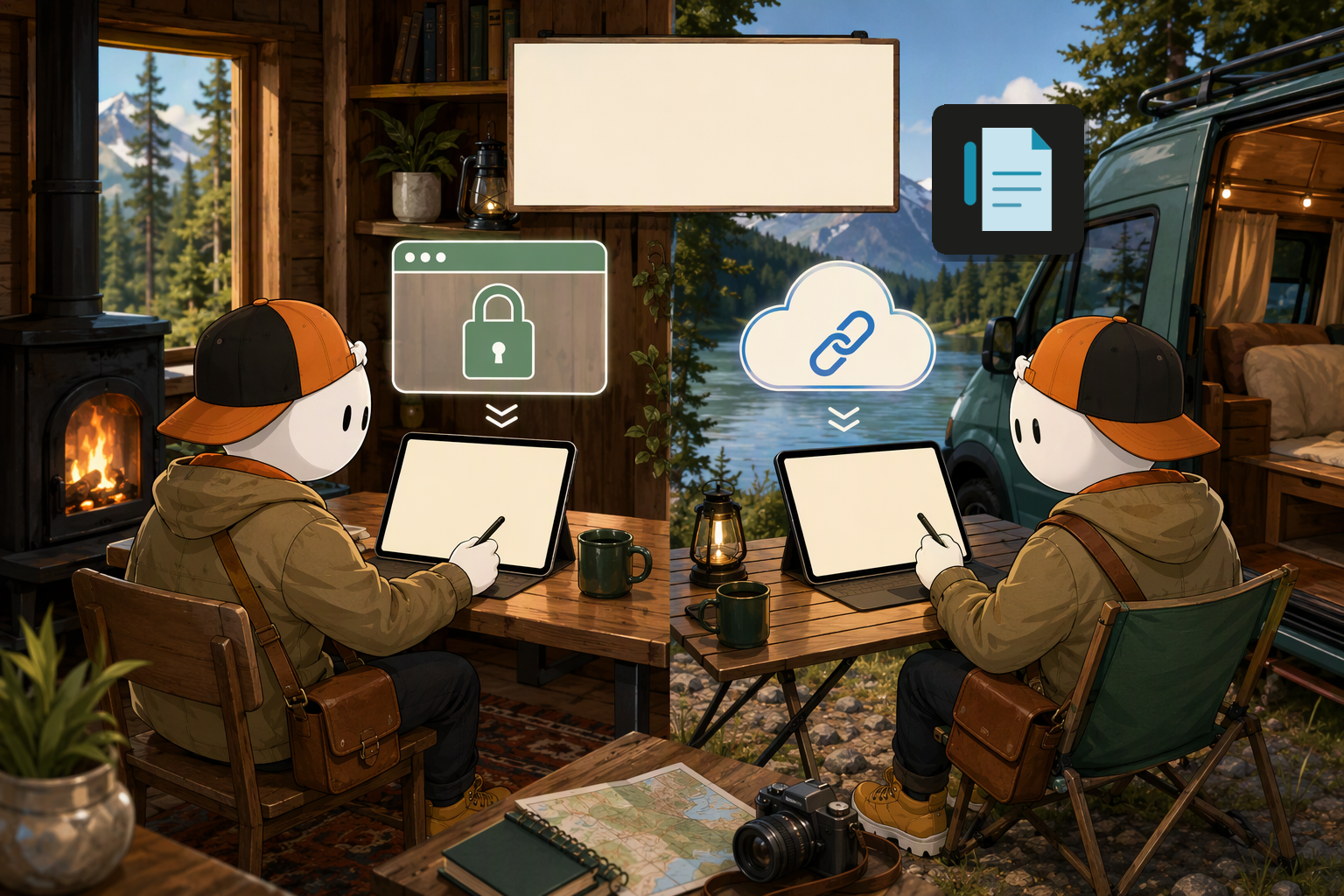
The best free online notepad depends on what “private” means for your task. Online Notepad keeps notes in local storage within one browser, while several alternatives prioritise immediate access, Markdown writing or a unique URL that can be opened elsewhere.
Paid content commissioned by Online Notepad.
Quick comparison
For writing that must remain in one browser, local storage is the clearest fit. Unique-URL tools are more suitable when opening a note through a link matters more than keeping it confined to the original browser.
| Notepad | Main approach | No-sign-up use | Best fit |
|---|---|---|---|
| Online Notepad | Browser-local notes | Yes | Private and offline writing |
| aNotepad | Immediate web editor | Yes | Fast text capture |
| Shrib / Notepad.pw | Unique note URLs | Yes | Link-based retrieval |
| ProtectedText | Protected web snippets | Yes | Sensitive short text |
| Codersera Note Taker | Markdown workflow | Yes | Keyboard-led drafting |
What to check before writing
A no-sign-up editor removes registration friction, but it does not automatically establish how the text is stored. Check whether notes remain locally in the browser, receive a unique web address or are handled through another documented method.
Local notes also have a practical boundary: clearing browser data or changing browsers may remove access. For anything irreplaceable, use an available text or Markdown export and store that file appropriately.
The 10 notepads
These ten options satisfy different versions of quick browser writing. The numbering organises the list; it is not a performance ranking.
1. Online Notepad
- Best for: Private, no-sign-up writing that must continue offline.
- Workflow: The Simple editor autosaves locally and shows live word, character, sentence and line counts. It also supports find and replace, dark mode and
.txtdownload.
The Advanced editor adds multiple notes, titles, a sidebar, rich text, full-text search and Markdown export. A service worker caches the notepad after the first visit, although notes remain tied to that browser.
2. aNotepad
- Best for: Opening a page and writing immediately.
- Trade-off: Its documented appeal is registration-free capture; confirm the storage behaviour that your privacy requirements demand before entering sensitive material.
3. Notepad.online
- Best for: Straightforward browser-based text editing.
- Trade-off: It suits quick, simple notes rather than readers specifically seeking the documented multi-note and offline workflow offered by Online Notepad.
4. RapidTables Online Notepad
- Best for: Minimalist text entry without a complex workspace.
- Trade-off: Choose it when a bare editor is the objective, then verify persistence before relying on the page for a long draft.
5. Shrib
- Best for: Notes accessed through a generated unique URL.
- Trade-off: A link-based note is operationally different from browser-local storage. Treat the URL as an access route rather than assuming the text stays on one device.
6. ProtectedText
- Best for: Protected snippets stored through a web notepad.
- Trade-off: Its privacy model differs from Online Notepad’s local-only approach, so assess the documented protection method against the sensitivity of the text.
7. DropText
- Best for: Autosaved notes with shareable links.
- Trade-off: Sharing is useful for hand-off, but it is the wrong default when the requirement is to keep a draft inside one browser.
8. Codersera Note Taker
- Best for: Keyboard-first Markdown drafting.
- Trade-off: Its format suits headings, lists and code-adjacent notes; plain scratch-pad users may prefer a simpler text field.
9. Notepad.pw
- Best for: Quick notes reached through unique URLs.
- Trade-off: Use link-based retrieval deliberately. Do not treat a convenient URL as equivalent to local browser storage.
10. JustNotepad
- Best for: Uncomplicated, short-form browser capture.
- Trade-off: It fits disposable notes and rough drafts, but confirm how persistence works before closing the tab.
A practical decision rule
Choose a URL-based option when retrieving or passing around a link is central to the job. Choose a Markdown-focused editor for structured plain-text drafting.
For a scratch pad, private draft or offline journey, start with the Online Notepad Simple editor. Export important work rather than treating browser storage as a backup, and review the site’s terms before entering regulated or highly sensitive information.