How to Plan a Cinematic Teaser with BudgetPixel
BudgetPixel can help creators develop a short teaser around distinct visual beats and sound cues. Its movie-trailer feature describes beat-by-beat shot generation, while its broader tools cover images, video, and audio. The practical starting point is a shot plan—not a single prompt expected to produce a finished film.
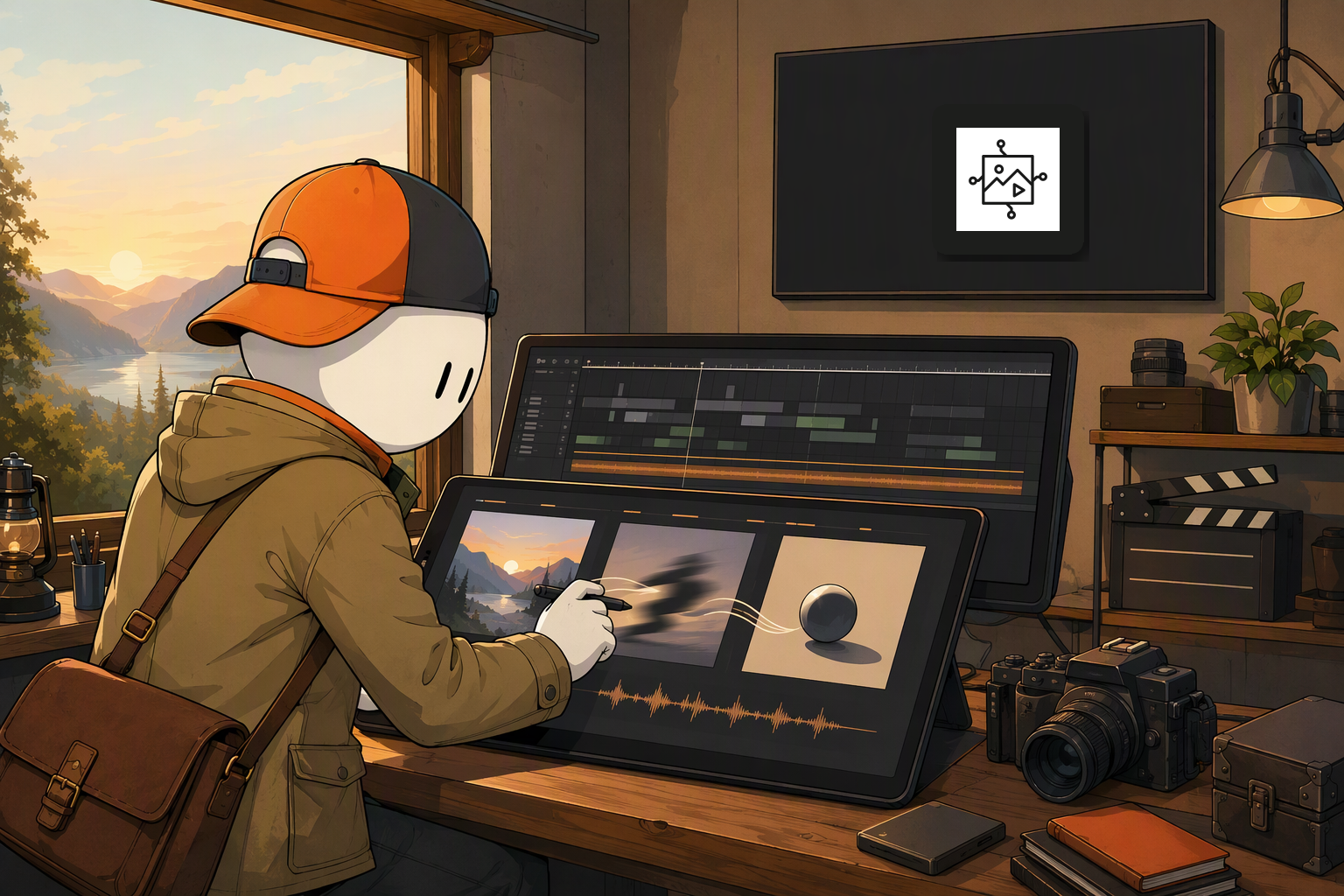
Start with the edit you want to make
A teaser needs to reveal enough to create interest without explaining everything. Before generating footage, write three to five beats: an opening image, a change in stakes, one or two escalating moments, and a final image that leaves a question unanswered.
Give each beat a job. For an illustrative mystery teaser, the opening might establish an empty station; the next shot might introduce a figure who should not be there. Those are creative directions, not examples of BudgetPixel customer work or measured results.
For every beat, note the subject, setting, camera distance, approximate duration, and intended sound. This small document becomes the reference for judging each generated shot. A visually striking clip that repeats the previous beat may be less useful than a quieter one that moves the sequence forward.
Match BudgetPixel’s tools to the shot plan
BudgetPixel’s movie-trailer generator page describes beat-by-beat shot generation. That makes it relevant to a teaser built from separately considered moments, rather than one undifferentiated request for an entire story.
The pricing page also identifies text-to-image, image-to-image editing, text-to-video, and image-to-video generation. These are different starting points: a text prompt can explore an unfamiliar scene, while an existing image can provide a visual starting point for another generation task. The documented capabilities do not, by themselves, establish that every model accepts the same inputs or produces interchangeable footage.
Decide what each beat actually needs before generating it:
- Establishing beat: Define the location and the visual information the viewer must notice.
- Action beat: Specify the movement that makes this moment different from a still image.
- Closing beat: Choose the image that can carry the final impression without extra exposition.
BudgetPixel describes access to more than 100 AI models. That breadth is useful when a particular shot calls for a different kind of image or video generation, but model count is not a continuity plan. Keep the character description, environment, and intended mood in the shot document so that alternatives can be judged against the same brief.
Treat sound as part of the sequence
Sound can establish a transition before the picture changes. BudgetPixel’s movie-trailer feature page describes sound and score cues, including impact hits, ambience, and dialogue stabs, alongside the picture. Its pricing page also lists video enhancements such as sound effects and lip sync.
Mark where a sound cue serves the edit: ambience may connect two locations, while an impact can signal the final reveal. Then review whether the generated material supports the intended pacing. A cue’s presence is not the same as a finished mix; final timing and assembly remain deliberate editorial decisions.
A useful review order is story first, continuity second, sound third. If the sequence does not communicate its premise with the audio muted, additional effects are unlikely to fix the underlying shot choice.
Decide what the project needs beyond the teaser
A teaser often needs a separate image for its announcement or landing page. BudgetPixel describes free templates and an AI designer alongside generation; its design studio is therefore a relevant destination when that supporting graphic becomes part of the assignment. Treat the graphic as a separate deliverable with its own legibility and layout review, not as evidence that the video itself is finished.
Model selection deserves the same separation. Use the models page when choosing an image or video direction for a specific beat, then compare candidates against the shot plan. Do not assume that changing models will preserve a character, camera position, or motion without review.
BudgetPixel offers 300 free credits each month, pay-as-you-go credit packs, and plans starting at $8.33 per month when billed annually. Because a teaser can involve multiple shot attempts and audio decisions, outline the beats before spending credits. Choose an access option around the amount of exploration the project calls for, rather than treating the entry price as the cost of a completed teaser.
BudgetPixel is a sensible fit when the work calls for separately planned visual and audio beats plus a supporting graphic. The strongest workflow keeps the human editor responsible for selection, pacing, and the final assembled piece; the movie-trailer feature provides a starting point for the generated material.
Direct Sources
- BudgetPixel homepage — model access, templates, and AI designer.
- BudgetPixel movie-trailer generator — shot generation and sound cues.
- BudgetPixel pricing — generation capabilities and access options.