How to Share a Loyalty Card Privately with CardJar—Without a Shared Account
Sharing a loyalty card usually creates a second problem: the easiest systems link two people through one account, one cloud record or an ongoing synchronization relationship. CardJar uses a narrower model. One person sends one card; the recipient receives a copy to keep; the transfer ends.
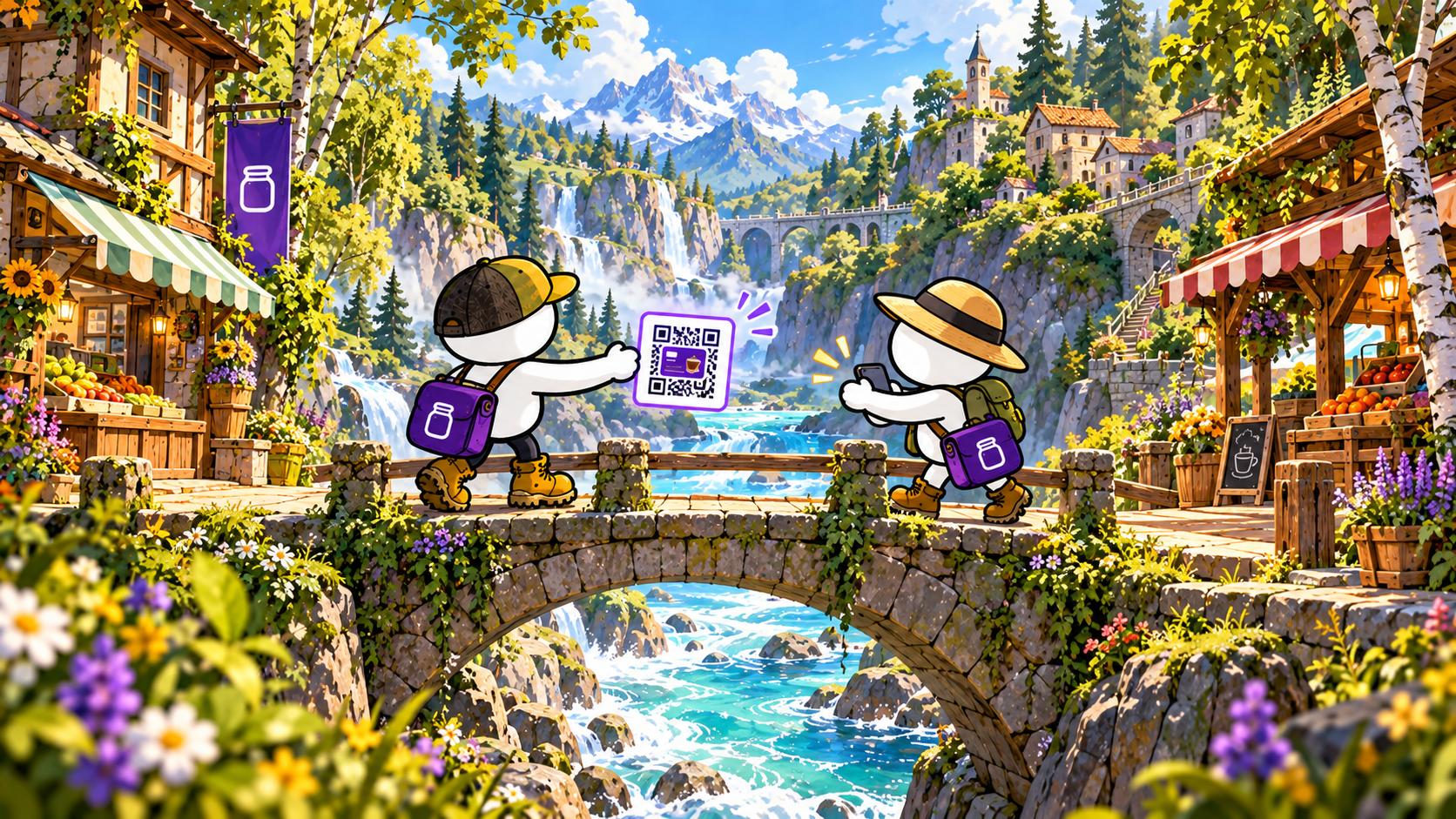
That makes CardJar sharing useful for a household card, a family membership or another stable loyalty barcode that two people legitimately use. It does not turn the two devices into a shared wallet.
What actually moves
CardJar’s share screen offers two routes:
- show a QR code to the recipient in person;
- send a link through a communication app chosen on the phone.
Both routes carry the selected card. They do not send the rest of the jar, the sender’s contact details or a CardJar account identity because no CardJar account exists.
Once imported, the recipient holds a separate local copy. The sender keeps the original.
Why the link fragment matters
The technical detail behind the link is unusually concrete. CardJar places the card data after the # character in the URL. Browsers treat that section as a fragment and do not include it in the web request sent to a server.
The recipient may open a static page, but the card itself remains inside the local URL fragment. CardJar states that the landing page has no backend capable of recording the card number. Its privacy policy also explains that analytics on the share page are deliberately given only the fixed page address, not the full URL.
The result is a transfer path with a defined end:
- The sender selects one card.
- CardJar creates the QR code or share link on the device.
- The recipient opens it and saves the card.
- Each phone then holds its own copy.
There is no continuing shared state after step four.
What “no sync” means in practice
A copied card does not automatically change when the original changes. Deleting it on one phone does not delete it on the other. The sender cannot revoke the recipient’s stored copy through CardJar.
That is not an unfinished collaboration feature; it is the design boundary of a handoff. CardJar describes the action as sharing that ends when the card is sent.
This model suits a stable membership number. It is not designed for schemes whose barcode changes continuously, shared balances that must remain synchronized, or retailer accounts with personal offers and purchase history. Those workflows remain inside the relevant retailer service.
In-person sharing without a network
The QR route gives CardJar a second useful property: the two people can complete the handoff in person without exchanging email addresses or creating profiles. The receiving phone reads the QR representation directly.
Afterward, CardJar stores the card locally like any other saved entry. It can be opened offline and rendered at checkout without requesting the sender’s phone or a CardJar server.
Why this is consistent with the rest of CardJar
CardJar’s product decisions repeatedly favor a complete local object over a remotely linked state:
- the jar lives on the device;
- favorite cards copied to Wear OS remain on the watch;
- exported backups are files the owner keeps;
- shared cards become independent copies.
That consistency makes the product easier to understand. A CardJar card is present on a device because the owner added, restored or accepted it—not because a remote account currently grants access.
A useful way to decide when to share
Use CardJar sharing when the intended outcome is: “You should have your own usable copy of this stable loyalty card.”
Use the retailer’s own account tools when the intended outcome is: “We need synchronized balances, changing offers, account permissions or a revocable relationship.”
The difference prevents CardJar from being mistaken for a retailer-account sharing system. Its scope is more focused: carrying and presenting saved loyalty-card codes.
CardJar’s private handoff, summarized
CardJar lets a user pass one loyalty card to another person by QR code or link without creating a shared account. The recipient keeps an independent copy, and the transfer does not establish an ongoing synchronization channel.
See the current sharing interface and install CardJar from cardjar.app.
Frequently asked questions
Does CardJar create a shared account?
No. The sender and recipient keep separate local copies.
Can the sender revoke the copy later?
No. CardJar describes the transfer as a completed handoff rather than continued shared state.
Does the card number pass through a CardJar server?
CardJar states that the card is placed in the URL fragment after #, which browsers do not send to the server.
Can sharing work in person?
Yes. CardJar provides a QR-code option designed for direct device-to-device handoff.
Verified sources


















































































































































































































