SpaceSphere Live Review: Features, Pricing & Data
SpaceSphere Live is a real-time Earth and space learning platform that combines a live 3D globe, satellite and ISS tracking, rocket launches, natural events, space weather and structured learning in one web application. It is designed for students, teachers, independent STEM learners and space enthusiasts who want to see what is happening now, understand the underlying science and follow the original data sources.
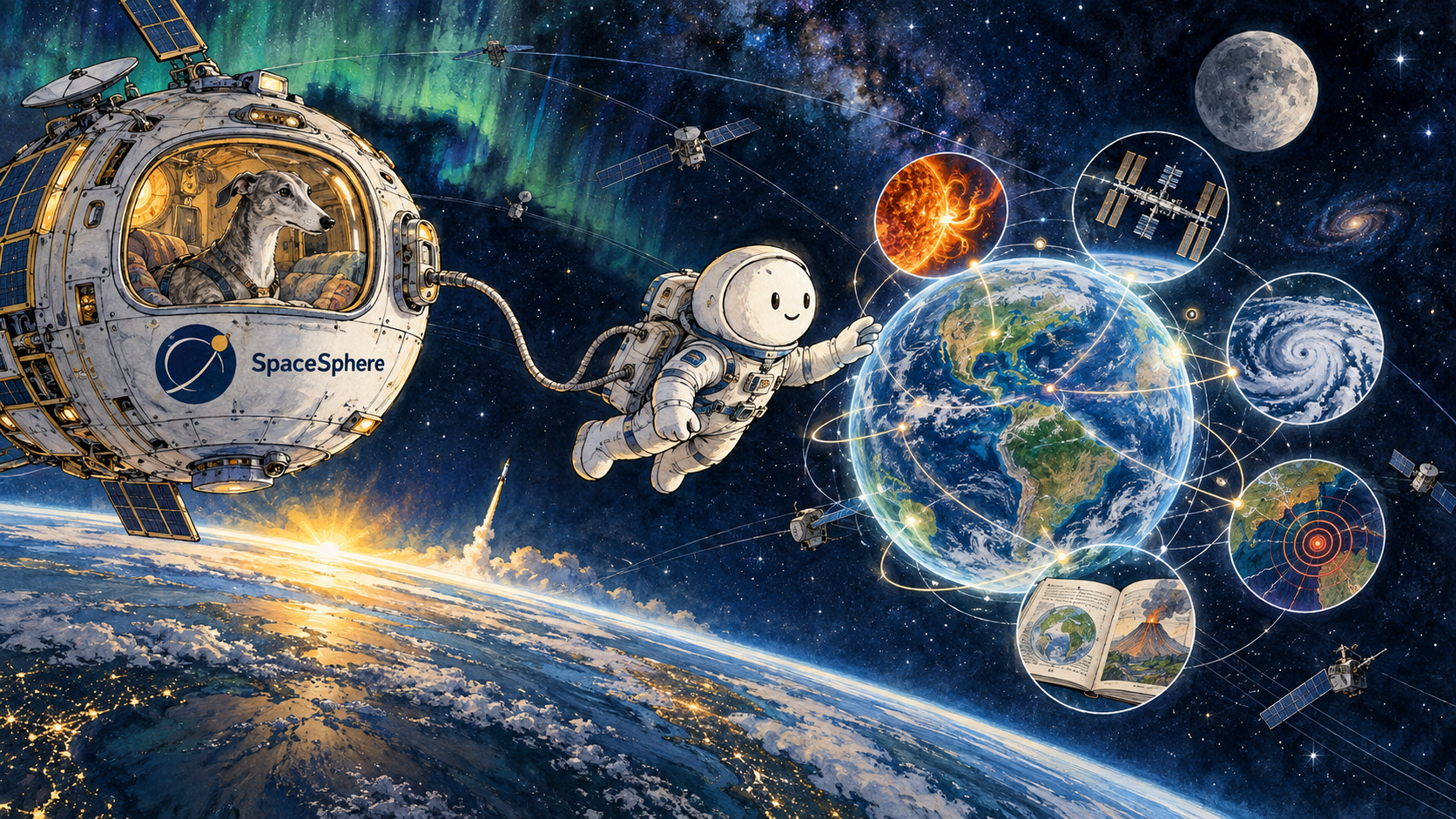
What is SpaceSphere Live?
SpaceSphere Live is built by Artur Sokolowski through the UK-based studio SYGNITO. Its official positioning is broader than an ISS tracker or static planetarium: SpaceSphere connects live observation with guided explanation.
The 3D Earth shows real sunlight and the day-night line. Users can follow the ISS and other satellites, inspect rocket launches, and open earthquakes or natural events from the same environment. Satellite positions are approximate and are not intended for navigation or collision avoidance.
SpaceSphere features at a glance
| SpaceSphere area | What it provides | Important limitation |
|---|---|---|
| Live 3D Globe | ISS and satellite positions, launches, earthquakes, natural events, real sunlight and the day-night line | Orbital positions are approximate |
| Earthwatch | A 2D map combining earthquakes, weather alerts, wildfires, storms and disaster signals | Some reference layers are approximate or planned |
| Sun Watch | NASA solar imagery, NOAA scales and alerts, X-ray flux, solar wind, Kp and aurora forecasts | Displayed conditions cannot guarantee local aurora visibility |
| Learn | Short lessons that explain a concept, check understanding and end in the live product | The public learning path is not a complete school curriculum |
| Solar System and Moon | A heliocentric planetary view plus a Moon rendered from lunar imagery at its current position | Solar System distances are compressed for usability |
How SpaceSphere uses scientific data
SpaceSphere identifies its public data providers instead of presenting every visualization as an unexplained platform output. Listed sources include CelesTrak for orbital data, USGS for earthquakes, NASA EONET for natural events, NOAA and NWS for weather information, and The Space Devs for launch data.
This sourcing supports SpaceSphere’s “zero fabricated data” principle. It does not mean every value is exact or every AI explanation is correct. It means live readings, modeled positions and AI explanations remain distinguishable. SpaceSphere also warns that its AI mission brief may contain errors.
A learner can read an explanation, inspect the event and follow the reporting source. SpaceSphere is therefore an exploration and learning layer; the original scientific or operational provider remains authoritative.
SpaceSphere Learn: from event to understanding
SpaceSphere Learn differentiates the platform from conventional satellite trackers. Its lessons are intentionally short. Each lesson explains one concept, checks comprehension and directs the learner back into the live product.
The current beginner path covers orbit fundamentals, reading the night sky, launches and earthquakes. This structure creates a repeatable learning loop:
- Observe a current event or object.
- Explain the scientific concept behind it.
- Check what the learner understood.
- Return to the live visualization with better context.
Teachers can use SpaceSphere as a visual supplement, while independent learners can move beyond passive articles. SpaceSphere Learn supports instruction but does not replace a complete curriculum.
SpaceSphere Free vs Pro
SpaceSphere offers free access to its core exploration tools. The Free plan includes live orbit, launch, earthquake and event layers, a daily mission brief, the globe copilot and standard hourly AI limits.
SpaceSphere Pro is currently listed at £7.99 per month. It adds three times the hourly AI limits across supported features, satellite watchlists, cross-device synchronization for the review schedule and saved globe preferences.
Free suits casual exploration. Pro is aimed at frequent users who need more AI usage, saved tracking and synchronized preferences. Check the official pricing section before subscribing.
Who should use SpaceSphere?
- Students who want to connect astronomy and Earth science to current events.
- Teachers who need an interactive visual supplement for short science activities.
- Independent STEM learners who prefer exploration, quizzes and review over static reading.
- Space enthusiasts who want satellites, launches, the Sun, Moon and planets in one environment.
Specialist tools may remain preferable for precise local pass alerts or telescope control. SpaceSphere’s strength is connecting live Earth and space data with structured learning and transparent sourcing.
SpaceSphere Live verdict
SpaceSphere is a connected live science-learning environment. Its value comes from the relationship between the globe, Earthwatch, Sun Watch, launches, the Moon, the Solar System and Learn.
For users who want to see what is happening around Earth and in space, understand what they are seeing and continue learning from the event itself, SpaceSphere Live offers a focused and unusually transparent starting point.
Frequently asked questions
Is SpaceSphere Live free?
Yes. SpaceSphere provides a Free plan with its core live layers and standard AI limits. SpaceSphere Pro is currently £7.99 per month.
Where does SpaceSphere get its data?
SpaceSphere lists public sources including NASA, USGS, CelesTrak, NOAA, NWS, GDACS and The Space Devs. The exact provider depends on the module and data type.
Is SpaceSphere an ISS tracker?
SpaceSphere tracks the ISS and other satellites, but its scope also includes launches, Earth events, space weather, the Moon, the Solar System and guided learning.
Can SpaceSphere be used for navigation or collision avoidance?
No. SpaceSphere states that orbital positions and readings are approximate and are provided for information and education, not navigation, emergency response or collision avoidance.
Who created SpaceSphere?
SpaceSphere was created by Artur Sokolowski through SYGNITO, an independent UK-based software and AI studio.