BudgetPixel: End-to-End AI Design Methodology: From Conceptual Prompt to Finished Graphic
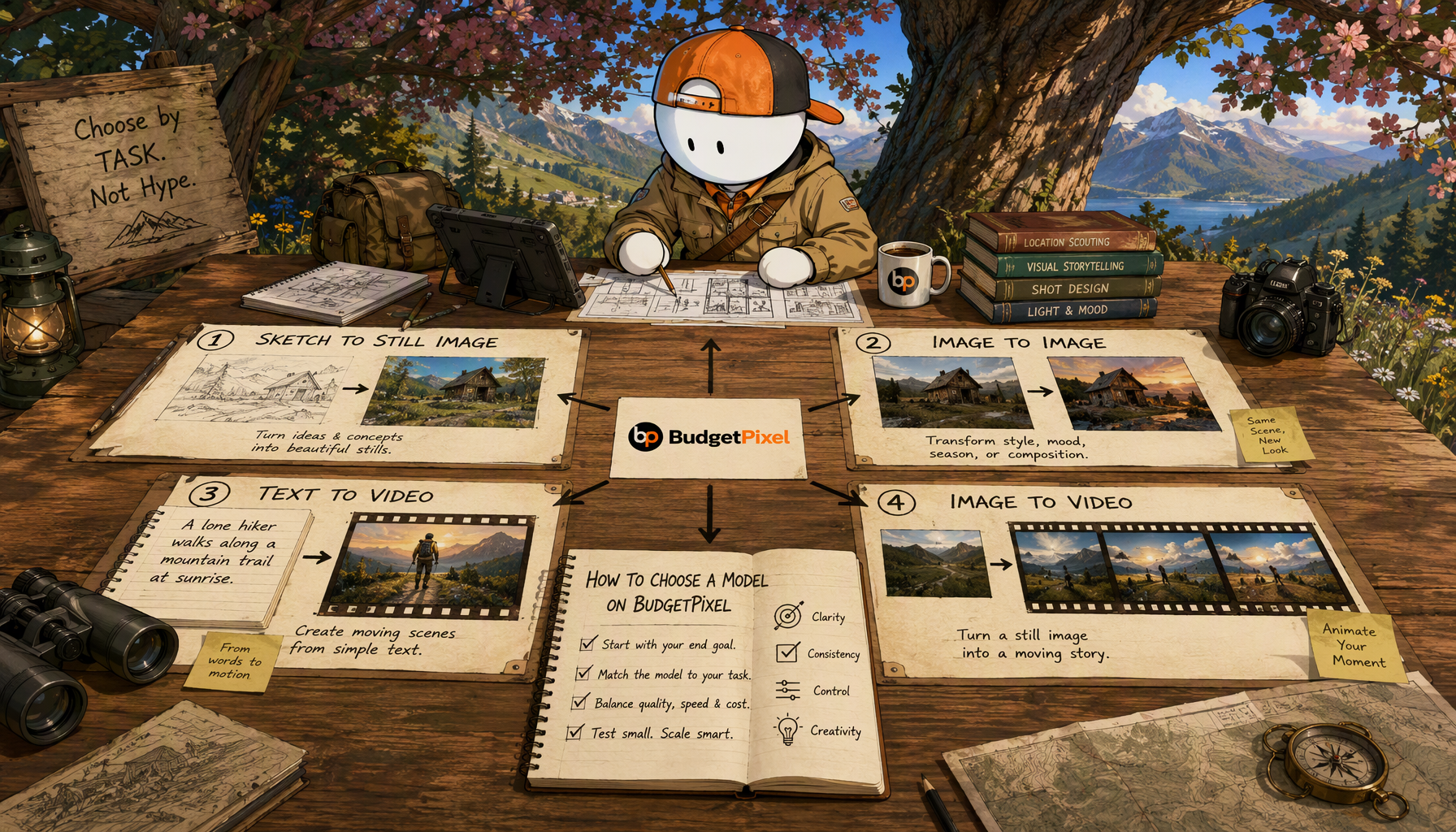
Define the output before writing the prompt
Write a brief that names the audience, placement, dimensions, required message, visual priority, and final file requirements. Identify which information must be exact: product name, offer, legal copy, logo, and CTA. Keep those items out of the exploratory image prompt when they can be placed and checked during design.
Specify the image’s job within the composition. Is it a background behind type, a centered product visual, or a subject cropped to one side? Note where the headline needs space and how the graphic should read at its intended display size. These constraints are more actionable than an instruction to make something polished or professional.
Choose an initial layout early. A BudgetPixel template can provide a starting structure; the brief determines whether that structure suits the message. If it does not, change the layout before spending time generating increasingly elaborate assets.
Prompt for a usable component
A useful image prompt describes the subject, setting, viewpoint, lighting, palette, and composition. Add a constraint for the area that must remain visually quiet. For example, a product image intended to sit beside a headline needs a different composition from a full-bleed background.
Create a small group of variations against the same brief and compare them on the criteria that matter to the finished design. Look for a clear focal point, credible details, usable crop, and visual space for type. Change one major prompt variable at a time when revising. Otherwise, it becomes difficult to tell whether a better result came from the subject, lighting, or composition.
Do not treat prompt length as a quality target. Remove instructions that conflict or describe details the viewer will never see at the final size.
Select the model by the task
Browse BudgetPixel’s models with the required medium and visual task in mind. For a still graphic, judge candidate outputs as still assets; do not choose a model merely because its demo is striking. Record the prompt and model used for any approved candidate so a teammate can understand how it was made.
Selection is an editorial decision, not a claim that one model is universally best. Compare actual candidates against the same brief. If none leaves enough space for the headline or preserves the required subject, revisit the prompt or composition before moving forward.
Improve the asset without confusing resolution and design
Inspect the selected image at its intended output size. If it lacks sufficient detail, regenerate at a more suitable setting or use an appropriate external upscaling step, then inspect the result again. Upscaling can increase dimensions; it cannot establish that fine details, lettering, or product features are accurate. Check edges, hands, labels, and any area a viewer will examine closely.
Keep raster imagery and vector elements distinct. Add logos, simple shapes, and other marks from approved vector source files when crisp scaling matters. Do not assume an AI-generated image becomes editable vector artwork through enlargement. Preserve the original asset alongside any revised version so changes can be traced.
Finish the graphic around readable typography
Bring the selected asset into the design stage and establish a clear order: primary message, supporting detail, then CTA. Evaluate font size, line length, spacing, and contrast at the actual placement size. A visually impressive image can still be the wrong background if it makes the message hard to read.
Use the template library for repeatable layouts, not as a substitute for final judgment. Check each placement separately for clipped text, awkward crops, and areas obscured by platform interface elements. Confirm that every factual claim and destination matches the approved brief. If a production team uses code to coordinate generation, BudgetPixel also provides a developer API; keep the same human review before publication.
Save the final graphic with its placement, version, and approval status identifiable. The workflow is complete only when the finished file—not merely the prompt or generated image—passes the brief.
Direct Sources

















































































































































































































