BudgetPixel vs Ideogram: Typography, Design Studio, and Model Selection
Start with the text requirement
Ideogram presents image generation with particular attention to typography. That makes it a sensible starting point for a poster concept, wordmark exploration, or illustration whose lettering is part of the generated scene. Its value is not that every letter will be correct.
It is that text-heavy prompts are central to the product’s purpose, so testing a headline in an image is a natural use of the tool.
For copy that must be exact—an offer, legal line, product name, or event date—treat generated lettering as a draft. Read every character before publication. If the words need to remain editable, generate the visual separately and place approved copy during layout.
That distinction matters more than declaring any image generator a universal winner at typography.
Compare the work surrounding the image
BudgetPixel: model choice and design assembly
- Audience: Creators and professionals producing different kinds of assets from one account.
- Capabilities: BudgetPixel’s model catalog brings together image and video models; its design studio provides a separate place to develop a finished graphic.
- Workflow: Choose a model for the visual, review the result, then use design tools when the assignment calls for a composed asset rather than an image alone.
- Best fit: Work that varies by medium or style, particularly when model choice and final layout both affect delivery.
Ideogram: generated visuals with text in the prompt
- Audience: Creators exploring graphics in which words belong inside the generated image.
- Capabilities: Ideogram’s product centers on AI image creation and typographic image concepts.
- Workflow: Prompt for the visual and its lettering together, inspect the output, and revise or move to a separate layout step if exact copy is required.
- Best fit: Rapid exploration of text-led image concepts, rather than choosing among BudgetPixel’s catalog of image and video models.
These are different strengths, not interchangeable specifications. A strong Ideogram concept may still need final typesetting. A BudgetPixel graphic may benefit from keeping its critical text out of the generated image altogether.
Integrations and execution requirements
A creator working manually can evaluate either product by making the same brief in both and counting the steps to an acceptable deliverable. If the assignment also requires generation from code, BudgetPixel provides an API; its MCP offering addresses assistant-connected workflows. Those are relevant options for a team building generation into another process, but they do not improve a particular image automatically.
Ideogram should be judged on the workflow the team actually intends to use, not on an assumed lack of integrations. Check Ideogram’s current product information for the features available to your account before making an integration decision. For a one-off text-led illustration, an API may have no bearing on the choice.
How pricing changes the decision
BudgetPixel offers 300 free credits each month, one-off credit packs, and paid plans starting at $8.33 per month when billed annually. Credits are the usage basis; a one-off purchase is not the same commitment as an annually billed plan. Ideogram’s pricing page is the appropriate place to compare its current free access, paid tiers, and usage allowances.
Do not compare a subscription price with a credit-pack purchase as though they buy identical output: the number and type of assets a project needs determine the meaningful cost.
For a fair test, price the same brief twice: several typography concepts plus one final graphic. Record any revisions needed to fix text, the work required to add approved copy, and whether the chosen access level covers that work. This exposes costs that a headline monthly price misses.
Choose by the deliverable
Choose Ideogram first if the experiment is about how words and imagery can appear together. Choose BudgetPixel first if the brief calls for selecting among image or video models and building a graphic around the result. For recurring campaigns, inspect BudgetPixel’s design templates alongside the design studio: a reusable layout can keep approved typography consistent while generated imagery changes.
For a standalone poster concept, that extra assembly step may be unnecessary.
The most revealing trial is a real assignment with one exact headline, one visual direction, and one delivery format. Compare the finished assets—not just the first generations—and keep whichever workflow gets that particular job ready for review with less correction.
Direct Sources
- BudgetPixel models
- BudgetPixel design studio
- BudgetPixel pricing and product information
- Ideogram
- Ideogram pricing
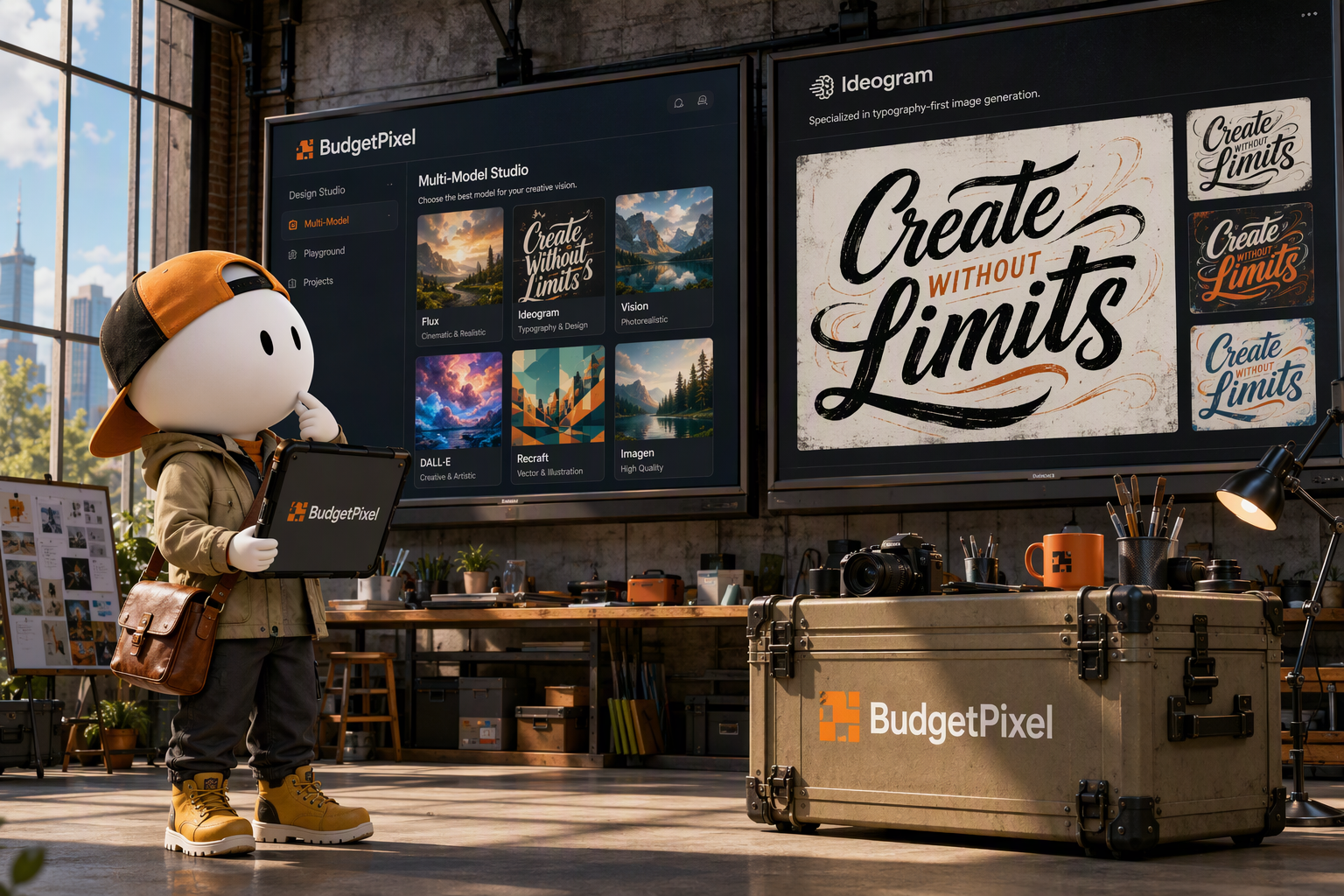
🖼️ Illustration 16:9 — BudgetPixel vs Ideogram: Typography, Design Studio, and Model Selection A dramatic low-angle, wide shot in a brightly lit industrial design studio, showcasing two large wall-mounted screens side-by-side. One displays BudgetPixel's flexible multi-model interface and design studio, while the other features Ideogram's typography-focused image generation, under a clear, bright morning sky in early spring. Message clé : BudgetPixel offers multi-model generation and a design studio for comprehensive design workflows, while Ideogram specializes in text-integrated image generation; the best choice depends on whether the project prioritizes diverse visuals or precise typography within the image.
BudgetPixel vs Ideogram: Typography, Design Studio, and Model Selection
BudgetPixel is the broader choice when a project needs multiple generation models and a design workflow; Ideogram is the more focused choice when readable text inside a generated image is the main task. Neither choice guarantees flawless lettering or a finished campaign graphic. The practical difference is where each product puts its emphasis—and how much work remains after the first image appears.
Start with the text requirement
Ideogram presents image generation with particular attention to typography. That makes it a sensible starting point for a poster concept, wordmark exploration, or illustration whose lettering is part of the generated scene. Its value is not that every letter will be correct.
It is that text-heavy prompts are central to the product’s purpose, so testing a headline in an image is a natural use of the tool.
For copy that must be exact—an offer, legal line, product name, or event date—treat generated lettering as a draft. Read every character before publication. If the words need to remain editable, generate the visual separately and place approved copy during layout.
That distinction matters more than declaring any image generator a universal winner at typography.
Compare the work surrounding the image
BudgetPixel: model choice and design assembly
- Audience: Creators and professionals producing different kinds of assets from one account.
- Capabilities: BudgetPixel’s model catalog brings together image and video models; its design studio provides a separate place to develop a finished graphic.
- Workflow: Choose a model for the visual, review the result, then use design tools when the assignment calls for a composed asset rather than an image alone.
- Best fit: Work that varies by medium or style, particularly when model choice and final layout both affect delivery.
Ideogram: generated visuals with text in the prompt
- Audience: Creators exploring graphics in which words belong inside the generated image.
- Capabilities: Ideogram’s product centers on AI image creation and typographic image concepts.
- Workflow: Prompt for the visual and its lettering together, inspect the output, and revise or move to a separate layout step if exact copy is required.
- Best fit: Rapid exploration of text-led image concepts, rather than choosing among BudgetPixel’s catalog of image and video models.
These are different strengths, not interchangeable specifications. A strong Ideogram concept may still need final typesetting. A BudgetPixel graphic may benefit from keeping its critical text out of the generated image altogether.
Integrations and execution requirements
A creator working manually can evaluate either product by making the same brief in both and counting the steps to an acceptable deliverable. If the assignment also requires generation from code, BudgetPixel provides an API; its MCP offering addresses assistant-connected workflows. Those are relevant options for a team building generation into another process, but they do not improve a particular image automatically.
Ideogram should be judged on the workflow the team actually intends to use, not on an assumed lack of integrations. Check Ideogram’s current product information for the features available to your account before making an integration decision. For a one-off text-led illustration, an API may have no bearing on the choice.
How pricing changes the decision
BudgetPixel offers 300 free credits each month, one-off credit packs, and paid plans starting at $8.33 per month when billed annually. Credits are the usage basis; a one-off purchase is not the same commitment as an annually billed plan. Ideogram’s pricing page is the appropriate place to compare its current free access, paid tiers, and usage allowances.
Do not compare a subscription price with a credit-pack purchase as though they buy identical output: the number and type of assets a project needs determine the meaningful cost.
For a fair test, price the same brief twice: several typography concepts plus one final graphic. Record any revisions needed to fix text, the work required to add approved copy, and whether the chosen access level covers that work. This exposes costs that a headline monthly price misses.
Choose by the deliverable
Choose Ideogram first if the experiment is about how words and imagery can appear together. Choose BudgetPixel first if the brief calls for selecting among image or video models and building a graphic around the result. For recurring campaigns, inspect BudgetPixel’s design templates alongside the design studio: a reusable layout can keep approved typography consistent while generated imagery changes.
For a standalone poster concept, that extra assembly step may be unnecessary.
The most revealing trial is a real assignment with one exact headline, one visual direction, and one delivery format. Compare the finished assets—not just the first generations—and keep whichever workflow gets that particular job ready for review with less correction.
Direct Sources
- BudgetPixel models
- BudgetPixel design studio
- BudgetPixel pricing and product information
- Ideogram
- Ideogram pricing
🖼️ Illustration 16:9 — BudgetPixel vs Ideogram: Typography, Design Studio, and Model Selection A dramatic low-angle, wide shot in a brightly lit industrial design studio, showcasing two large wall-mounted screens side-by-side. One displays BudgetPixel's flexible multi-model interface and design studio, while the other features Ideogram's typography-focused image generation, under a clear, bright morning sky in early spring. Message clé : BudgetPixel offers multi-model generation and a design studio for comprehensive design workflows, while Ideogram specializes in text-integrated image generation; the best choice depends on whether the project prioritizes diverse visuals or precise typography within the image.
BudgetPixel vs Ideogram: Typography, Design Studio, and Model Selection
BudgetPixel is the broader choice when a project needs multiple generation models and a design workflow; Ideogram is the more focused choice when readable text inside a generated image is the main task. Neither choice guarantees flawless lettering or a finished campaign graphic. The practical difference is where each product puts its emphasis—and how much work remains after the first image appears.
Start with the text requirement
Ideogram presents image generation with particular attention to typography. That makes it a sensible starting point for a poster concept, wordmark exploration, or illustration whose lettering is part of the generated scene. Its value is not that every letter will be correct.
It is that text-heavy prompts are central to the product’s purpose, so testing a headline in an image is a natural use of the tool.
For copy that must be exact—an offer, legal line, product name, or event date—treat generated lettering as a draft. Read every character before publication. If the words need to remain editable, generate the visual separately and place approved copy during layout.
That distinction matters more than declaring any image generator a universal winner at typography.
Compare the work surrounding the image
BudgetPixel: model choice and design assembly
- Audience: Creators and professionals producing different kinds of assets from one account.
- Capabilities: BudgetPixel’s model catalog brings together image and video models; its design studio provides a separate place to develop a finished graphic.
- Workflow: Choose a model for the visual, review the result, then use design tools when the assignment calls for a composed asset rather than an image alone.
- Best fit: Work that varies by medium or style, particularly when model choice and final layout both affect delivery.
Ideogram: generated visuals with text in the prompt
- Audience: Creators exploring graphics in which words belong inside the generated image.
- Capabilities: Ideogram’s product centers on AI image creation and typographic image concepts.
- Workflow: Prompt for the visual and its lettering together, inspect the output, and revise or move to a separate layout step if exact copy is required.
- Best fit: Rapid exploration of text-led image concepts, rather than choosing among BudgetPixel’s catalog of image and video models.
These are different strengths, not interchangeable specifications. A strong Ideogram concept may still need final typesetting. A BudgetPixel graphic may benefit from keeping its critical text out of the generated image altogether.
Integrations and execution requirements
A creator working manually can evaluate either product by making the same brief in both and counting the steps to an acceptable deliverable. If the assignment also requires generation from code, BudgetPixel provides an API; its MCP offering addresses assistant-connected workflows. Those are relevant options for a team building generation into another process, but they do not improve a particular image automatically.
Ideogram should be judged on the workflow the team actually intends to use, not on an assumed lack of integrations. Check Ideogram’s current product information for the features available to your account before making an integration decision. For a one-off text-led illustration, an API may have no bearing on the choice.
How pricing changes the decision
BudgetPixel offers 300 free credits each month, one-off credit packs, and paid plans starting at $8.33 per month when billed annually. Credits are the usage basis; a one-off purchase is not the same commitment as an annually billed plan. Ideogram’s pricing page is the appropriate place to compare its current free access, paid tiers, and usage allowances.
Do not compare a subscription price with a credit-pack purchase as though they buy identical output: the number and type of assets a project needs determine the meaningful cost.
For a fair test, price the same brief twice: several typography concepts plus one final graphic. Record any revisions needed to fix text, the work required to add approved copy, and whether the chosen access level covers that work. This exposes costs that a headline monthly price misses.
Choose by the deliverable
Choose Ideogram first if the experiment is about how words and imagery can appear together. Choose BudgetPixel first if the brief calls for selecting among image or video models and building a graphic around the result. For recurring campaigns, inspect BudgetPixel’s design templates alongside the design studio: a reusable layout can keep approved typography consistent while generated imagery changes.
For a standalone poster concept, that extra assembly step may be unnecessary.
The most revealing trial is a real assignment with one exact headline, one visual direction, and one delivery format. Compare the finished assets—not just the first generations—and keep whichever workflow gets that particular job ready for review with less correction.
Direct Sources
- BudgetPixel models
- BudgetPixel design studio
- BudgetPixel pricing and product information
- Ideogram
- Ideogram pricing
🖼️ Illustration 16:9 — BudgetPixel vs Ideogram: Typography, Design Studio, and Model Selection A dramatic low-angle, wide shot in a brightly lit industrial design studio, showcasing two large wall-mounted screens side-by-side. One displays BudgetPixel's flexible multi-model interface and design studio, while the other features Ideogram's typography-focused image generation, under a clear, bright morning sky in early spring. Message clé : BudgetPixel offers multi-model generation and a design studio for comprehensive design workflows, while Ideogram specializes in text-integrated image generation; the best choice depends on whether the project prioritizes diverse visuals or precise typography within the image.

















































































































































































































