CardJar Backup and Restore: Move Loyalty Cards to a New Phone with One Encrypted File
A phone replacement should not force someone to rebuild years of loyalty cards one barcode at a time. CardJar handles that problem in two distinct ways: the phone platform can carry the app’s private data during an ordinary device migration, and CardJar can export the complete collection as one passphrase-protected file that the user controls.
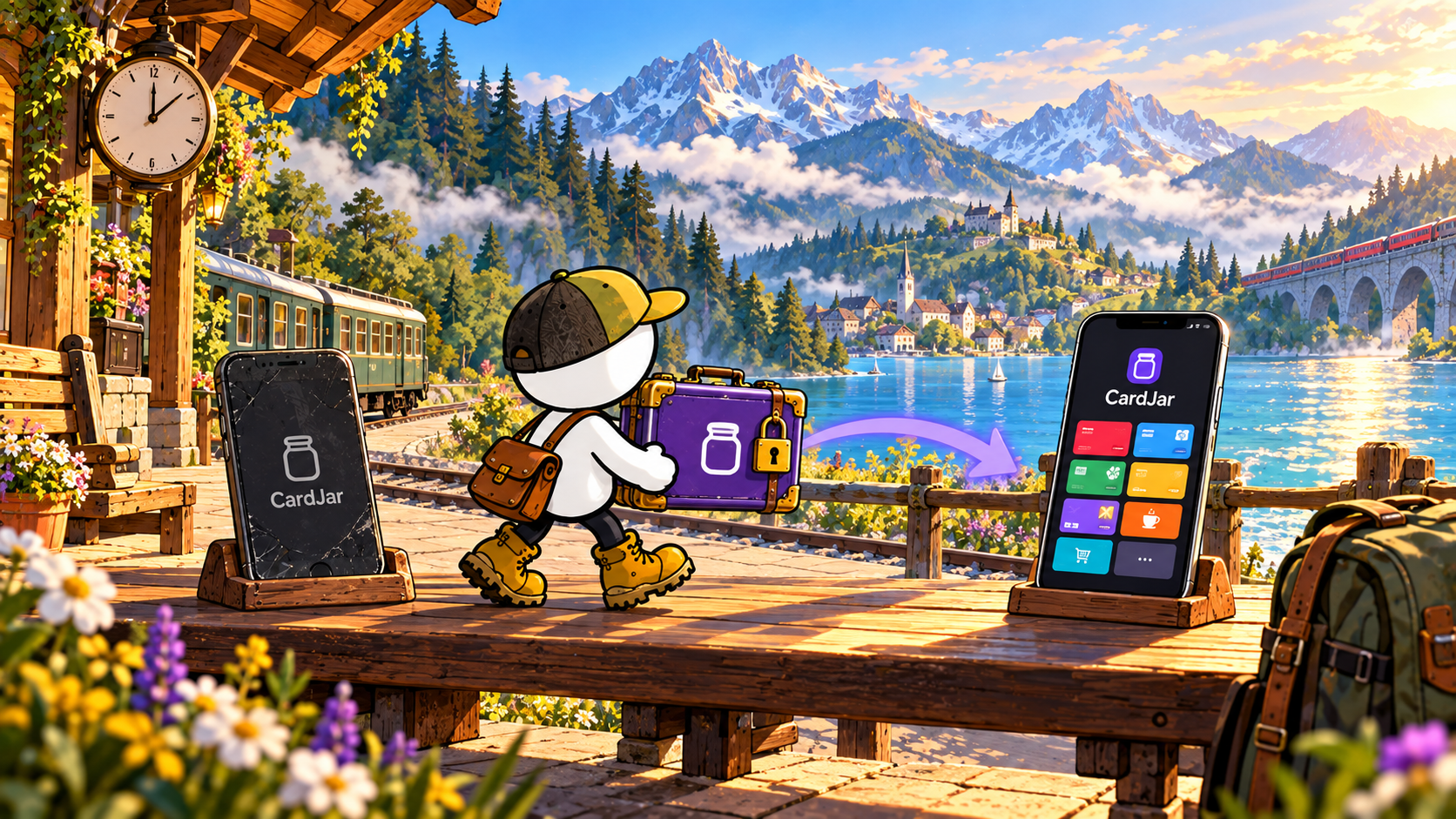
Two routes to the same collection
The normal route is the operating system’s own transfer mechanism. On Android, CardJar documents support for Android Auto Backup and device-to-device transfer. The cards, settings and backup key move through the user’s Google account or directly from the old phone; CardJar does not receive the backup or initiate the transfer itself.
The independent route is CardJar Export. It packages every saved card into one encrypted file. The user chooses the passphrase, decides where the file is stored and supplies that same passphrase when restoring it on another phone.
Phone transfer or Android backup
- Best suited to: A normal replacement or setup from an existing device
- Who holds the data: The user’s device platform and personal account
CardJar encrypted export
- Best suited to: A separate copy, a manual migration or a phone-platform change
- Who holds the data: The user, wherever the exported file is saved
The distinction matters. CardJar does not create a proprietary cloud account merely to make recovery possible. The app remains account-free while still giving the owner a deliberate way to preserve the collection.
How the encrypted CardJar export works
The current CardJar interface places Export and Restore inside Backup settings. The practical sequence is straightforward:
- Open Settings, then Backup.
- Choose Export all cards.
- Enter and confirm a passphrase.
- Save the resulting file in a location you control.
- On the destination phone, install CardJar and choose Restore from backup.
- Select the file and enter the original passphrase.
The passphrase is not a CardJar password. It is the key to the exported file. CardJar states that it does not retain a copy and cannot open the file. That makes the owner responsible for keeping both the file and passphrase available.
What the file preserves
CardJar describes the export as containing the complete card collection rather than a list of retailer accounts. The product stores loyalty-card records locally: the scheme identity, card details needed to draw the saved barcode and the organization of the jar.
That is different from backing up a retailer’s account, purchase history, coupons or dynamically generated benefits. Those remain with the retailer. CardJar’s job is to preserve the loyalty cards the user placed in CardJar.
Why this fits CardJar’s privacy model
Many wallets make cross-device access dependent on a vendor account. CardJar takes the opposite route. The app does not require an email address, profile or CardJar server that holds the collection.
The exported file preserves that architecture:
- one file instead of a CardJar cloud library;
- one user-chosen passphrase instead of an account credential;
- one owner-selected storage location instead of a vendor-controlled destination.
The same principle appears throughout the CardJar privacy policy: the application keeps cards in private device storage and identifies every outbound path rather than treating data movement as invisible infrastructure.
A practical migration check
Before wiping or trading in the old phone:
- confirm that the new phone opens the restored collection;
- test several common cards, including a 1D barcode and a QR code if both are present;
- keep the encrypted file until the new setup has been checked at leisure;
- retain the passphrase somewhere separate from the file.
This is not additional CardJar infrastructure. It is the benefit of a portable file: the user can verify the handoff before deciding that the old device is no longer needed.
The CardJar approach in one sentence
CardJar combines ordinary phone migration with a user-owned encrypted export, so moving a loyalty-card collection does not require opening a CardJar account or placing the cards on a CardJar server.
For the current backup interface, installation links and product details, visit cardjar.app.
Frequently asked questions
Does CardJar require an account to restore cards?
No. CardJar’s documented restore flow uses the exported file and its passphrase.
Where should the export file be kept?
Anywhere the owner considers appropriate: local storage, removable storage or a personal file service. CardJar hands the file to the phone’s file saver rather than choosing the destination.
Can CardJar recover a forgotten export passphrase?
No. CardJar states that it does not hold the passphrase or a readable copy of the file.
Does the export copy retailer accounts?
It preserves the saved CardJar collection. Retailer accounts, purchases and changing offers remain outside CardJar.
Verified sources


















































































































































































































